



Introduction: The Silent Killer of Agency Profitability
AI Tools for Automated Invoice | If you run a small agency—whether in design, marketing, or development—your primary focus should be on driving client results and closing new high-ticket projects. But what does the reality often look like?
At the end of every month, agency owners and their teams find themselves trapped in the trenches of manual data entry. Chasing down freelancer bills, plugging numbers into Excel spreadsheets, manually reading PDF invoices, and typing line items into accounting software (like Xero or QuickBooks) eats up your most valuable asset: Your Time.
In 2026, a simple rule dictates business scaling: If a machine can read it, a human shouldn’t have to.
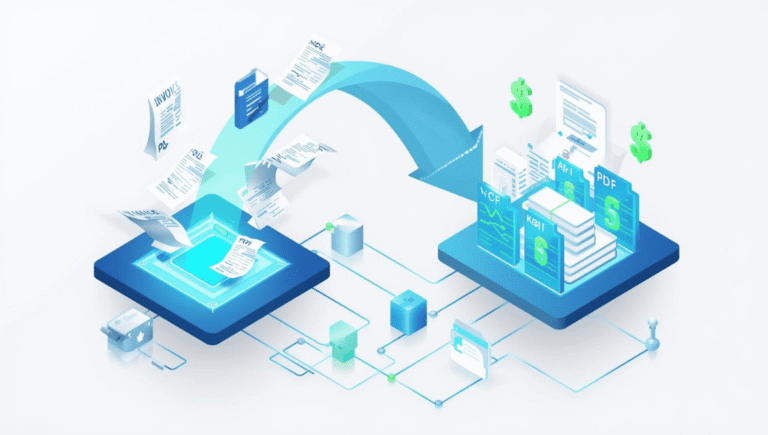
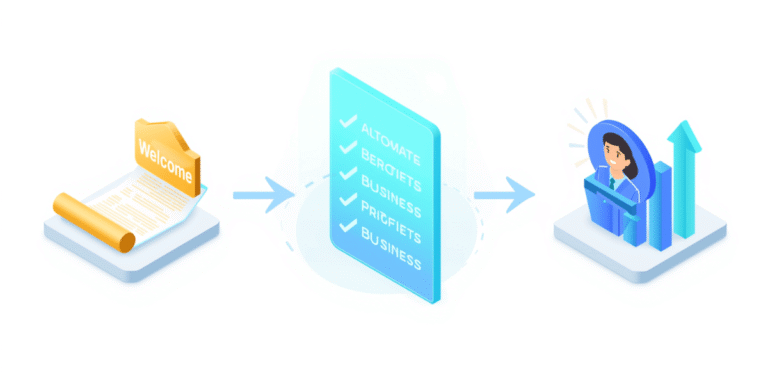
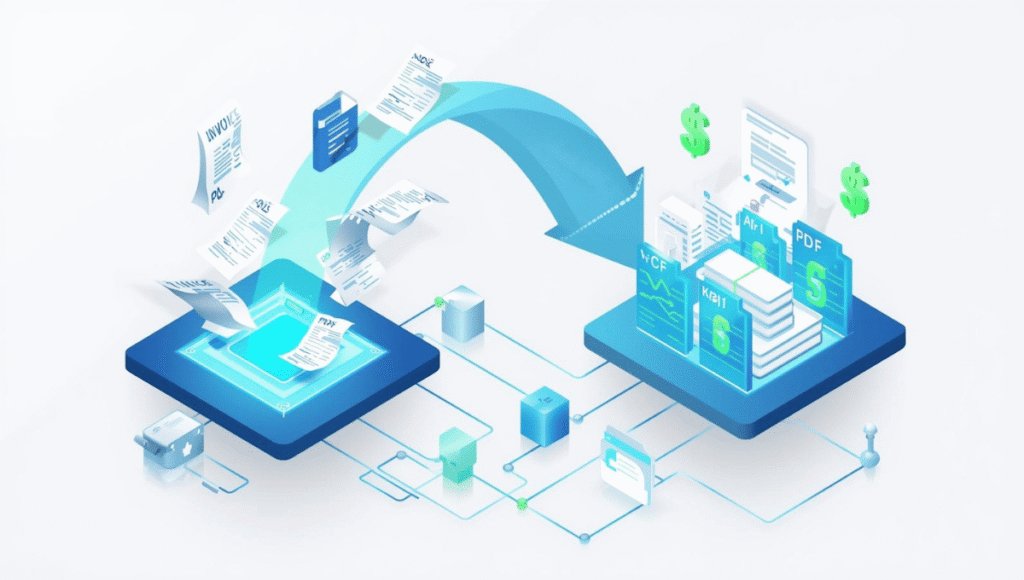
AI invoice processing is no longer a luxury reserved for Fortune 500 companies. Today, the market is filled with incredibly smart, affordable AI tools designed specifically to extract data from PDFs, images, or email text, seamlessly sync it with your accounting software, and fully automate the payment process.
In this comprehensive guide, we are reviewing the absolute best AI invoice processing tools—tested against the Autifyai standard—that can transform your small agency’s cash flow into a fast, error-free machine.
What is AI Invoice Processing? (And Why OCR is Dead)
In the past, businesses relied on OCR (Optical Character Recognition). OCR is incredibly rigid; it merely converts an image into text based on coordinates. If a vendor changed their invoice design even slightly (e.g., writing ‘Amount Due’ instead of ‘Total Amount’), the OCR software would break, requiring manual intervention.
AI Invoice Processing (also known as Intelligent Document Processing or IDP) operates on a completely different level. Powered by Machine Learning and Large Language Models (LLMs), this technology:
- Understands Context: It knows the difference between a “Subtotal,” “Tax,” and “Grand Total,” regardless of the invoice’s format, layout, or language.
- Extracts Line Items: If you paid for five different software subscriptions on one consolidated bill, the AI can separate and categorize each line item individually.
- Learns Continuously: The more invoices you feed it, the smarter and more accurate it gets.
The Agency ROI: Why You Need This NOW
- Zero Human Error: Adding an accidental zero to a vendor payment can cost your agency thousands of dollars. AI maintains a 99.9% accuracy rate.
- Reclaim Billable Hours: The five hours you spend verifying invoices every week could be spent pitching a $5,000 client retainer.
- Faster Vendor Payments: Happy freelancers and contractors deliver better work. Automation ensures their payments are cleared on time, every time, building immense loyalty.
Top 7 AI Invoice Processing Tools for Small Agencies (2026 Edition)
We have categorized these tools based on their best use cases, so you can choose the exact software that fits your agency’s size, budget, and operational style.
1. Nanonets: Best for Customizable Workflows
Nanonets is the ultimate powerhouse for agencies that want to design their own specific workflows. Its AI engine is renowned for its self-learning capabilities.
- How it works: You upload 10-15 of your historical invoices. The AI learns the specific patterns of your vendors. The next time an invoice arrives, it automatically extracts the data and pushes it to your ERP or Google Sheets.
- Key Feature: Continuous Learning. If the AI misreads a field and you manually correct it, it learns from that exact correction and will never make that mistake again.
- Integrations: Zapier, Make.com, QuickBooks, Stripe.
- Pricing: Generous free tier (perfect for solopreneurs). Premium plans start at $499/month (geared toward larger agencies).
2. Dext Prepare: Best for Accounting Sync
If your agency’s financial stack is built on Xero or QuickBooks Online, Dext (formerly Receipt Bank) is your best friend. It focuses strictly on flawless accounting automation.
- How it works: Your contractors can email their invoices to a custom Dext email address, or snap a photo of a receipt using the mobile app. Dext extracts the data and publishes it directly into the correct expense category in your accounting software.
- Key Feature: Supplier Rules. You can set rigid rules, such as: “If an invoice comes from Adobe, always categorize it under ‘Software Subscriptions’.”
- Integrations: Xero, QuickBooks, Sage, FreeAgent.
- Pricing: Highly affordable, starting around $25/month.
3. Bill.com: Best for End-to-End AP/AR
Bill.com doesn’t just extract data; it is a complete hub for Accounts Payable (AP) and Accounts Receivable (AR). It actually moves the money.
- How it works: When an invoice arrives, the AI extracts the data and routes it to the designated agency partner or CEO for approval. Once approved, Bill.com electronically transfers the funds directly from your bank to the vendor.
- Key Feature: Approval Workflows. You can set conditions like: “If an invoice is under $500, pay it automatically. If it is over $500, route it to the CEO for a digital signature.”
- Integrations: Deep native integrations with QBO, Xero, Oracle, and NetSuite.
- Pricing: Starts at $45/user/month.
4. Rossum: Best for Complex, Multi-Page Invoices
If your agency handles physical product sourcing, massive ad-spends, or complex media buying campaigns, you might receive invoices that are 10-20 pages long. Rossum is engineered specifically for these nightmare documents.
- How it works: Its AI engine utilizes Cognitive Data Capture. It “reads” the PDF like a human accountant would, rather than scanning it like a blind template.
- Key Feature: Unmatched line-item extraction for massive, multi-page data tables.
- Pricing: Custom quote (Generally expensive; best suited for agencies generating $1M+ ARR).
5. Glean.ai: Best for Spend Intelligence
Glean is not just an invoice processor; it acts as your automated fractional CFO. It actively analyzes your invoices to tell you where you are bleeding money.
- Key Feature: Line-Item Trend Analysis. If your freelance video editor charged $40/hour last month, and their new invoice bills at $50/hour, Glean.ai will instantly flag the invoice and alert you: “Vendor rate has changed.”
- Best For: Agencies strictly focused on maximizing profit margins and cutting hidden SaaS bloat.
6. Docparser: Best for Bootstrapped Agencies (Budget Friendly)
If you are a brand-new agency and cannot afford premium enterprise tools, Docparser is the most reliable, budget-friendly option on the market.
- How it works: It uses a hybrid of rule-based Zonal OCR and AI. You visually highlight the areas on a document where the data usually lives.
- Key Feature: Excellent Webhooks and API. It is incredibly easy to connect Docparser to Make.com for custom routing.
- Pricing: Highly accessible, starting at just $39/month.
7. QuickBooks Online Advanced (Native AI)
If you are already paying for the highest tier of QuickBooks, you might not need a third-party tool at all. QBO Advanced now features robust, built-in AI invoice processing.
- Key Feature: Forward an email with a PDF to your custom QBO email address, and it instantly creates a draft bill awaiting your review.
- Pricing: Included natively in your QBO Advanced subscription.
Feature Comparison Table: Quick Decision Matrix
| Tool Name | Core Superpower | Ideal Agency Size | Starting Price |
| Dext Prepare | Deep Accounting Sync | 1-10 Employees | ~$25/month |
| Nanonets | Custom AI Workflows | 5-25 Employees | Free / $499/mo |
| Bill.com | Automated Payments & Approvals | 10-50 Employees | $45/user/mo |
| Glean.ai | Spend Analytics / Alerts | 5-50 Employees | Custom Quote |
| Docparser | Budget API Integrations | Solopreneurs | $39/month |
🛠️ The Autifyai Masterclass: Build Your Own Free AI Invoice Processor with Make.com
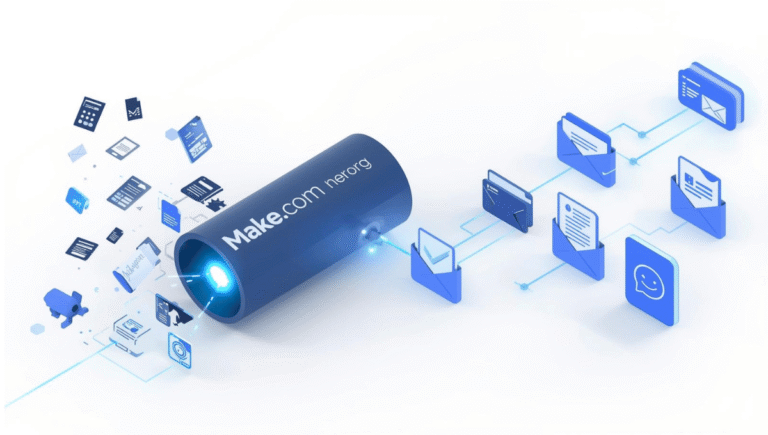
If you want to avoid monthly SaaS subscriptions entirely, you can build your own custom AI invoice processor using Make.com and OpenAI (ChatGPT-4o).
This automated workflow will watch your inbox for invoices, download the PDF, use ChatGPT Vision to extract the data, and log it neatly into a Google Sheet.
Step-by-Step Make.com Workflow:
1. Trigger: Gmail (Watch Emails)
- Add the Gmail module in Make.com.
- Set the filter to: Emails containing attachments AND Subject contains “Invoice” or “Bill”.
2. Action: CloudConvert (Convert PDF to Image)
- OpenAI’s Vision API prefers images over raw PDFs. Add a CloudConvert module to automatically convert the incoming PDF attachment into a High-Res PNG.
3. Action: OpenAI (Analyze Image with ChatGPT-4o)
- Use the “Make an API Call” (Vision) module for OpenAI.
- The Prompt: “You are an expert accountant. Analyze this invoice image. Extract the following data in strict JSON format: Vendor Name, Invoice Date, Total Amount, Tax Amount, and a 3-word description of the service. Do not output any other text.”
4. Action: JSON (Parse JSON)
- Use Make.com’s native JSON module to convert the AI’s text output into mapped, actionable data pills.
5. Action: Google Sheets (Add a Row)
- Select your ‘Agency Expense Tracker’ spreadsheet and map the parsed JSON variables (Vendor, Amount, Date) into their respective columns.
Boom! You have successfully built an enterprise-grade invoice processor that runs in the background for practically $0 a month (just pennies in API usage costs).
How to Choose the Right Tool: A Buyer’s Checklist
When selecting the perfect AP automation tool for your agency, keep these 3 criteria in mind:
- Volume of Invoices: If you process 15-20 invoices a month, Dext Prepare or a custom Make.com build is perfect. If you process 500+ invoices, you need the heavy lifting of Nanonets or Rossum.
- Current Tech Stack: Only choose a tool that integrates natively with the software you already use (Xero, QBO, Slack). Do not waste time building custom APIs if a native integration exists.
- Approval Hierarchy: If your agency has a separate finance team and multiple founders, you absolutely need software like Bill.com that supports multi-level approval routing.
Conclusion: Stop Typing, Start Scaling
Data entry is not your agency’s core business. Every minute you or your team spends manually reading a PDF and typing numbers into Excel is a minute actively holding back your business growth.
In 2026, AI invoice processing tools are not a luxury; they are a fundamental necessity for survival. These tools provide absolute financial clarity, eliminate costly human errors, and most importantly, give you the mental peace of knowing your cash flow is being tracked automatically.
Start small. Take advantage of a free trial with Dext Prepare, or test our custom Make.com workflow. Take your first step into the automated ecosystem and watch how rapidly your agency begins to scale.
Frequently Asked Questions (FAQ’s)
Q: What is the best automated invoice processing software?
A: For small agencies, tools like Nanonets and Dext Prepare are the best AI invoice processing software because they automatically extract data and sync with QuickBooks without manual entry.
Q: How does AI invoice automation work?
A: AI-powered e-invoicing solutions use Machine Learning to ‘read’ the context of a PDF or paper receipt, extract line items, and route the payment for approval automatically.