
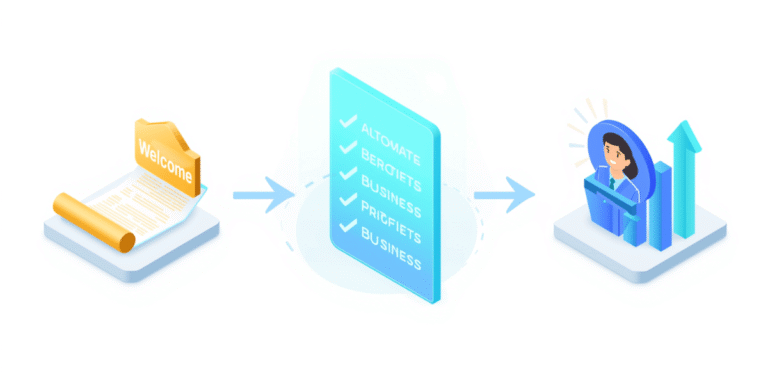



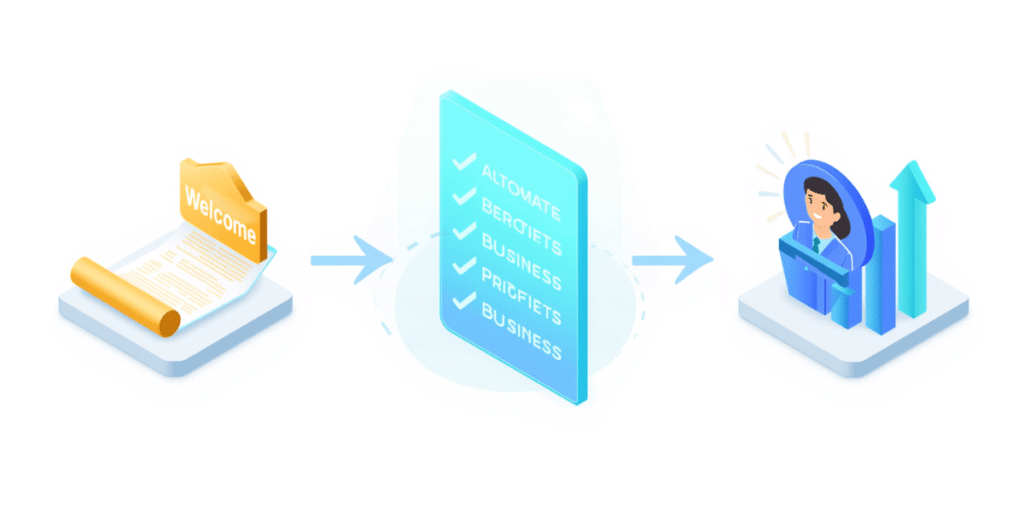
Introduction: The “Post-Sale” Regret
Client Onboarding Process & Checklist | When I first set my sights on scaling my digital marketing and WordPress agency to a $100k/month run rate out of India, I thought closing the deal was the hardest part. I focused all my energy on crafting the perfect pitch, handling objections, and sending the invoice.
But I quickly learned a painful truth: getting a high-ticket client to sign the contract is only 20% of the battle. The real test begins the minute the invoice is paid.
In the early days, my post-sale workflow was chaos. A client would pay, and then… nothing. Crickets for two days. Then I would send a scattered email asking for their WordPress logins, followed by another email three days later asking for their brand logo. The client, who just paid thousands of dollars, immediately felt “Buyer’s Remorse.” They wondered, “Did I just make a mistake hiring this agency?”
That friction caused my churn rate to skyrocket. Clients would leave after the first month because the foundation of trust was broken.
Everything changed when I stopped treating onboarding as an afterthought and engineered a frictionless, highly structured client onboarding process. By standardizing how a client enters my ecosystem, I reduced my churn rate by 60%, eliminated endless email threads, and built immediate authority.
In this guide, I am going to walk you through the exact 5-phase process I use, and provide a comprehensive client onboarding checklist you can copy-paste into your own business today.
Why a Documented Client Onboarding Process Matters
Harvard Business Review states that an estimated 20% of customer churn happens within the first 90 days. If your onboarding is messy, your retention will be terrible.
A world-class onboarding process achieves three vital goals:
- Eliminates Buyer’s Remorse: It reassures the client that they made a brilliant investment.
- Sets Boundaries: It clearly defines how and when you communicate, preventing clients from expecting 2:00 AM WhatsApp replies.
- Prevents Scope Creep: It aligns both parties on the exact deliverables and timelines before the actual work begins.
The 5-Phase Client Onboarding Process
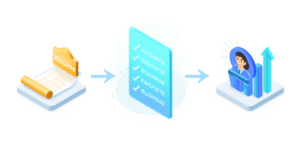
A premium experience does not happen by accident. It is staged. Here is how you should structure the first 30 days of a new client relationship.
Phase 1: The Internal Handoff (Day 0)
Before the client ever receives a welcome email, your internal team must be aligned. If the salesperson promised a specific feature (like a custom multi-vendor marketplace) but the lead developer does not know about it, the project is doomed from the start.
- The Goal: Transfer all notes, expectations, and promises from Sales to Operations.
- The Action: Create the client’s folder in your Google Drive, set up their board in Trello/Asana, and brief your team.
Phase 2: The “Immediate Welcome” (Day 1)
When someone pays a large invoice, their anxiety peaks. You need to hit them with a hit of dopamine instantly.
- The Goal: Make them feel celebrated and safe.
- The Action: Send a beautifully formatted Welcome Email within 60 minutes of the signed contract. This email should include a “What Happens Next” timeline so they are never left guessing.
Phase 3: The Intake & Discovery (Days 2-3)
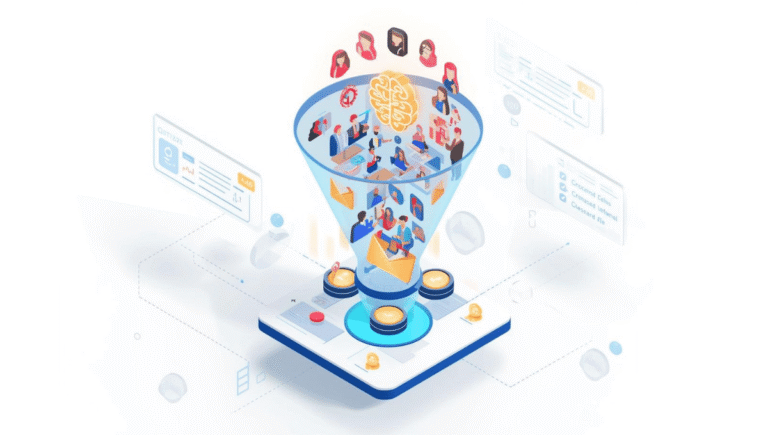
This is where most agencies fail. They send 14 different emails asking for Google Analytics access, brand hex codes, and domain registrars.
- The Goal: Gather all necessary assets with zero friction.
- The Action: Send a single, comprehensive Intake Form (using a tool like Typeform or Fillout).
Phase 4: The Kickoff Call (Day 5)
Never start working until this call happens. This is not a sales call; it is an alignment meeting.
- The Goal: Set communication boundaries, confirm KPIs, and review the project roadmap.
- The Action: Walk the client through the project management dashboard, explain how they can submit feedback, and get verbal confirmation on the first major milestone.
Phase 5: The 30-Day “Quick Win”
Trust is built on momentum. If a client doesn’t see a tangible result for two months, they get nervous.
- The Goal: Deliver a small but impactful piece of value early.
- The Action: Perform a quick site speed optimization, deliver the first batch of ad copy, or fix a broken link on their homepage. Show them you are already moving the needle.
📋 The Ultimate Client Onboarding Checklist (Copy & Paste)
Use this checklist to ensure every single client receives a consistent, white-glove experience. Add this to your project management software.
Internal Setup (Before Contacting Client)
- [ ] Verify the contract is signed and the initial invoice is paid.
- [ ] Create the Client Folder in Google Drive / Dropbox.
- [ ] Set up the Client Board in Notion / Asana / ClickUp.
- [ ] Brief the internal team (Designers, Developers, Writers) on the project scope.
- [ ] Create a dedicated Slack channel (if offering premium communication).
The Welcome Phase
- [ ] Send the Official Welcome Email within 1 hour of payment.
- [ ] Attach the digital “Client Welcome Guide” (PDF detailing business hours, communication rules, and team introductions).
- [ ] Send the link to the Client Intake Questionnaire.
- [ ] Send the calendar link to book the Kickoff Call.
The Intake Phase (Asset Collection)
- [ ] Collect Brand Assets (Logos, Typography, Hex Codes).
- [ ] Secure necessary credentials (WordPress Admin, Shopify, CPanel).
- [ ] Gain access to marketing tools (Google Analytics, Meta Business Manager).
- [ ] Review the submitted Intake Form for any missing information.
The Kickoff Phase
- [ ] Host the 45-minute Kickoff Video Call.
- [ ] Review the Project Scope of Work (SOW) line by line.
- [ ] Clarify the revision and feedback process.
- [ ] Send a post-meeting email summarizing the call and listing immediate next steps.
The Follow-Up Phase
- [ ] Deliver the “Quick Win” within the first 14 days.
- [ ] Send the first Weekly Status Update report on Friday.
- [ ] Schedule the 30-Day Check-in Strategy Call.
🚀 How to Put This Checklist on Autopilot
Having a documented client onboarding process is mandatory, but manually executing this checklist for every new client is exhausting. Creating Google Drive folders, sending repetitive emails, and generating Trello boards takes hours of administrative work.
You can actually remove yourself from this process entirely.
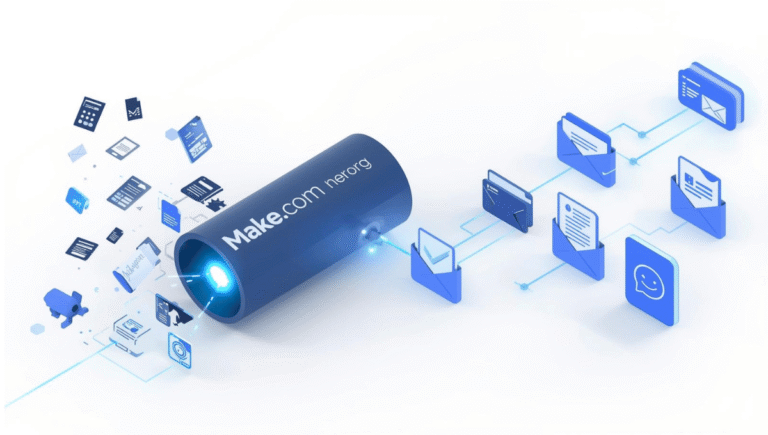
If you want to know how I engineered a system that instantly sends the welcome email, creates the folders, and generates the Slack channels the second a Stripe payment clears, read my full guide on how to automate client onboarding with AI and Make.com here.
By connecting your forms, CRM, and task managers, you can deliver a 5-star onboarding experience while you are completely offline.
Conclusion: Onboarding is Your Best Marketing Tool
A terrible onboarding experience guarantees a client will never refer you to their network. A flawless, highly organized client onboarding process does the exact opposite.
When a client feels taken care of from Day 1—when they see that your agency operates like a well-oiled machine—they stop questioning your pricing. They trust your expertise. Most importantly, they transition from being just a customer to being a lifelong advocate for your brand.
Don’t wait until you sign your next $10,000 client to figure this out. Copy the checklist above, plug it into your agency’s workflow today, and watch your retention rates soar.
FAQ
1: What is a client onboarding process?
A client onboarding process is the structured series of steps an agency takes immediately after a new client signs a contract and pays their invoice. It is designed to smoothly integrate the client into your business ecosystem, set communication boundaries, collect necessary assets, and eliminate post-sale buyer’s remorse.
2: What should be included in a client onboarding checklist?
A comprehensive client onboarding checklist should include five main phases: Internal team setup (creating Google Drive folders and CRM boards), sending an immediate welcome email and guide, an intake phase to collect passwords and brand assets, hosting an alignment kickoff call, and delivering a “quick win” within the first 30 days.
3: How long should the B2B client onboarding process take?
For most digital agencies and B2B service providers, the active client onboarding process should take between 5 to 14 days. This window covers everything from the initial welcome email on Day 1 to the final strategic kickoff call and the commencement of actual project work.
4: How can I automate my agency’s client onboarding?
You can fully automate your client onboarding using zero-code tools like Make.com or Zapier. By connecting your payment gateway (like Stripe) to your Google Workspace and project management tools, you can automatically generate client folders, send the intake forms, and assign internal team tasks the second an invoice is paid.