





Introduction: The “5-Minute” Rule of Sales
AI lead nurturing system | If you run a digital agency, coaching business, or B2B consultancy, you already know how expensive it is to acquire a new lead. You spend thousands of dollars on Meta ads, LinkedIn outreach, and SEO just to get someone to download your free guide or request a consultation.
But what happens next?
According to Harvard Business Review, if you do not respond to a B2B lead within the first 5 minutes, your chances of qualifying that lead drop by a staggering 400%.
If someone fills out your contact form at 2:00 AM on a Sunday, and you manually reply on Monday morning at 10:00 AM, that lead is already cold. They have likely moved on to a competitor who replied instantly.
But sending a generic, robotic autoresponder (“Thanks for your message, we will get back to you!“) is just as bad. Modern buyers expect personalization.
In this comprehensive Autifyai guide, we will bridge this gap. We are going to build a zero-code AI Lead Nurturing System. This system won’t just auto-reply; it will use AI to read the lead’s specific problem, score their budget, update your CRM, and send a highly customized, hyper-personalized email—all within 60 seconds of them hitting “Submit.”
What is an AI Lead Nurturing System? (Moving Beyond Basic Autoresponders)
Basic email marketing relies on static triggers: If User subscribes -> Send Welcome Email A. An AI Lead Nurturing System is dynamic. It utilizes Large Language Models (LLMs) like OpenAI’s ChatGPT or Anthropic’s Claude to analyze the incoming data and make intelligent decisions before acting.
Here is what our Autifyai system will do:
- Capture: Catch the lead from your website form or Facebook Lead Ad.
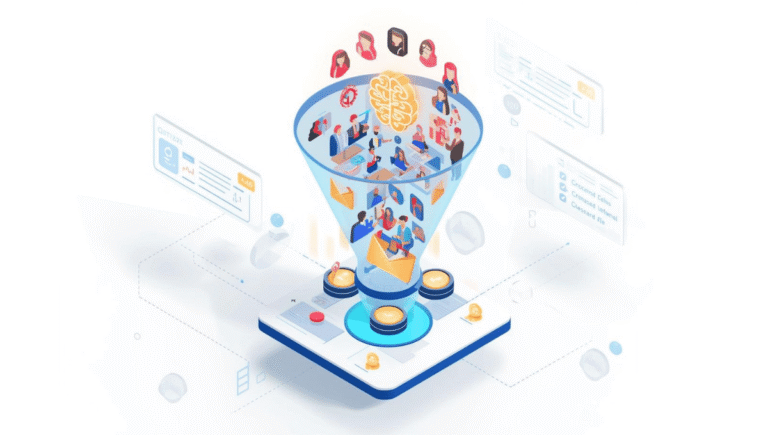
- Analyze & Score: Use AI to read their company size, budget, and pain point to determine if they are a “Hot” or “Cold” lead.
- Draft Contextual Copy: The AI will write a custom email referencing their specific problem (e.g., “I see you are struggling with WordPress site speed…”).
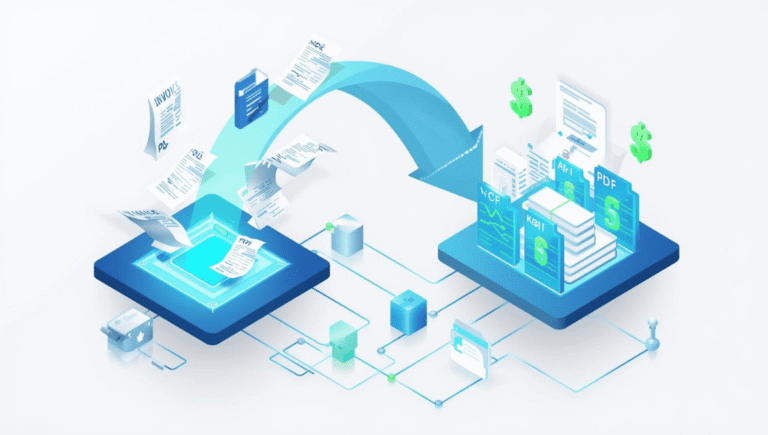
- Execute: Push the lead data to your CRM and dispatch the email instantly.
The Automation Tech Stack (Your Tools)
To build this ecosystem, we will use a stack of powerful, affordable, and no-code tools.
| Component | Tool We Will Use | Why We Chose It |
| Lead Source | Facebook Lead Ads / Typeform | The starting point where the user submits their data. |
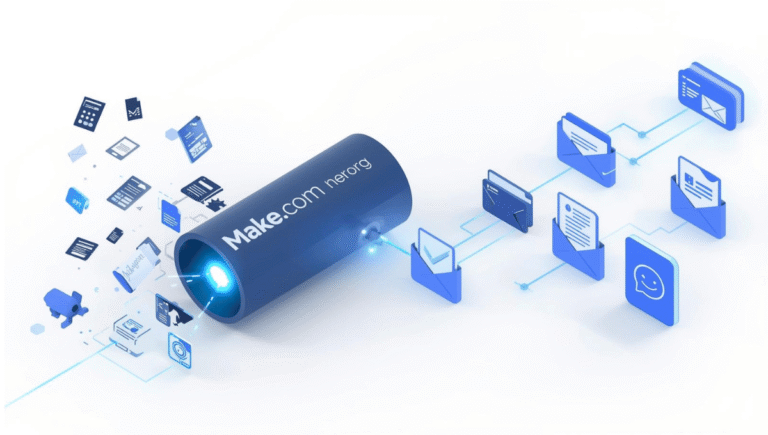
| The Engine | Make.com | The visual automation router that connects everything without code. |
| The Brain | OpenAI (ChatGPT-4o) | To read the lead’s input and generate personalized email copy. |
| The CRM | HubSpot / ActiveCampaign | To store the lead’s data and track their sales journey. |
| The Delivery | Gmail / Outlook | To send the final, AI-written email. |
Step-by-Step Guide: Building Your Autonomous Sales Machine
Let’s open up Make.com and start building this workflow.
Step 1: Capture the Lead (The Trigger)
First, we need to tell our automation to listen for new leads.
- Create a new Scenario in Make.com.
- Add your lead source module. For this example, we will use Facebook Lead Ads (Action: Watch New Leads).
- Alternative: If your lead form is on your WordPress site, you can use the Gravity Forms or Typeform trigger module.
Step 2: The AI Lead Scorer & Copywriter
This is the heart of our Autifyai automation. We are going to feed the raw lead data into ChatGPT and give it two jobs: Score the lead out of 10, and write the email.
- Add an OpenAI (ChatGPT) module.
- Select Action: “Create a Prompt Completion”.
- Use the gpt-4o model for the best reasoning capabilities.
Copy & Paste this Exact Prompt:
“You are an elite B2B Sales Director. A new lead has just filled out our form. Please do two things. First, score this lead from 1-10 based on their budget and project details (10 being a perfect, high-ticket fit). Second, write a short, highly personalized, 3-paragraph welcome email addressing their specific problem.
Here is the Lead Data:
Name: [Map ‘Full Name’ variable here]
Company: [Map ‘Company’ variable here]
Budget: [Map ‘Budget’ variable here]
Biggest Challenge: [Map ‘Challenge’ variable here]
Output Format MUST strictly follow this layout:
Score: [Insert Number]
Email Body: [Insert the personalized email text here. Do not include a subject line.]”
Step 3: Format the Output (Text Parser)
Because we asked the AI for two different things (a Score and an Email), we need to split that text up so we can send the Score to our CRM and the Email to the client.
- Add a Text Parser module in Make.com (Action: Match Pattern or use simple Split functions).
- Separate the AI’s output so you have two distinct variables ready to use:
Lead ScoreandEmail Copy.
Step 4: Update Your CRM Automatically
We need a record of this lead for future follow-ups.
- Add your CRM module (e.g., HubSpot CRM or ActiveCampaign).
- Select Action: “Create/Update a Contact”.
- Map the basic fields (Name, Email, Phone).
- Find your custom CRM field for “Lead Score” and map the
Lead Scorevariable we parsed in Step 3.
Now, when you open HubSpot, you will instantly see who your most valuable leads are without having to read through every form submission manually!
Step 5: Dispatch the Personalized Email
Finally, let’s reach out to the client.
- Add a Gmail (or Microsoft 365) module.
- Select Action: “Send an Email”.
- To: Map the Lead’s email address from Step 1.
- Subject: Write a dynamic subject line like: “Quick question about [Company Name]’s growth, [First Name]”
- Content: Map the
Email Copyvariable parsed from OpenAI in Step 3.
Why This System Outperforms Traditional Marketing
- The “Wow” Factor: When a lead submits a form explaining a highly specific technical issue they are having, and they receive an email 30 seconds later offering a brief, intelligent thought on that exact issue, they are blown away. It builds instant authority.
- Prioritization for Solopreneurs: As a small agency owner, you cannot treat a $500 lead and a $5,000 lead equally. By having AI score your leads automatically in your CRM, you know exactly who to call on the phone the next morning.
- Endless Scalability: Whether you get 2 leads a day or 2,000 leads a day from a viral ad campaign, this system handles the workload without you having to hire a massive sales team.
Conclusion: Automate the Conversation, Close the Deal
Your sales pipeline is the lifeblood of your agency. Letting leads sit idle in an inbox while you sleep or work on client projects is actively burning money.
By integrating Make.com, ChatGPT, and your CRM, you create a 24/7 autonomous sales assistant. This AI Lead Nurturing System ensures that every single prospect receives a world-class, personalized experience from the very first interaction.
Stop letting hot leads turn cold. Create your free account on Make.com today, import your first workflow, and watch your agency’s conversion rate skyrocket.