


How to Use Write a AI resume builder That Actually Gets Interviews
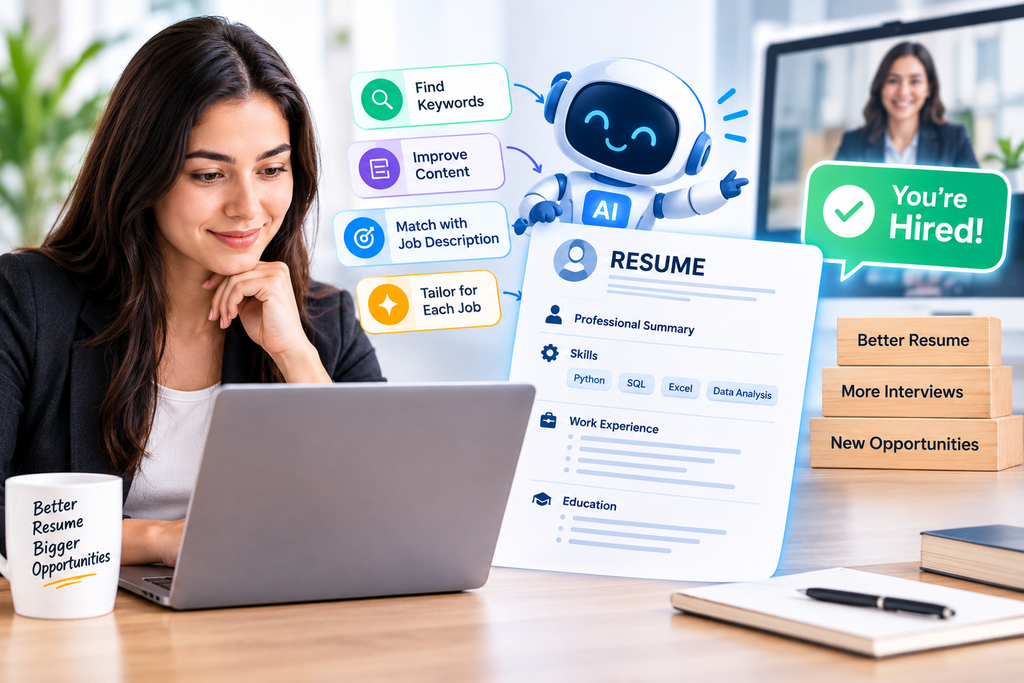
You can spend three hours making a resume and still receive no interview calls.
The frustrating part is that your experience may actually be good. The problem is often the way that experience is written, structured, and matched to the job you’re applying for.
That’s where AI resume writing can genuinely help. But there is a catch: AI won’t magically turn a weak career history into an impressive one. You still need to provide the facts, check every claim, and make sure the final resume sounds like you.
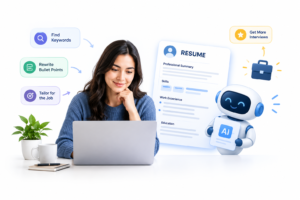
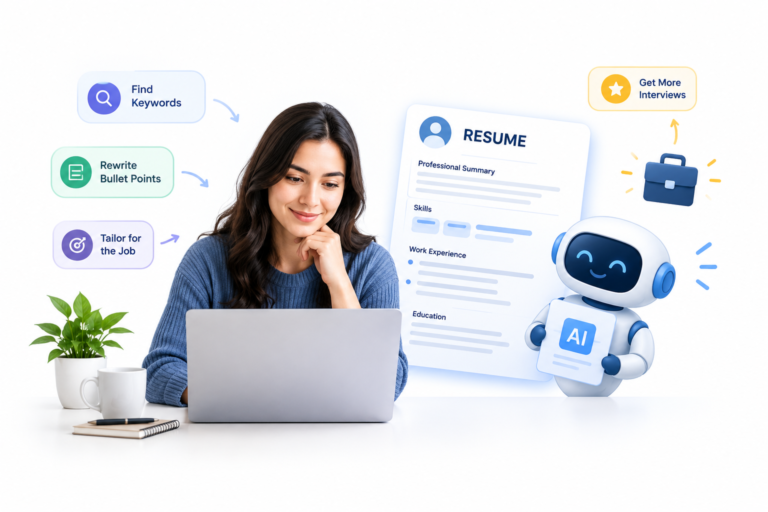
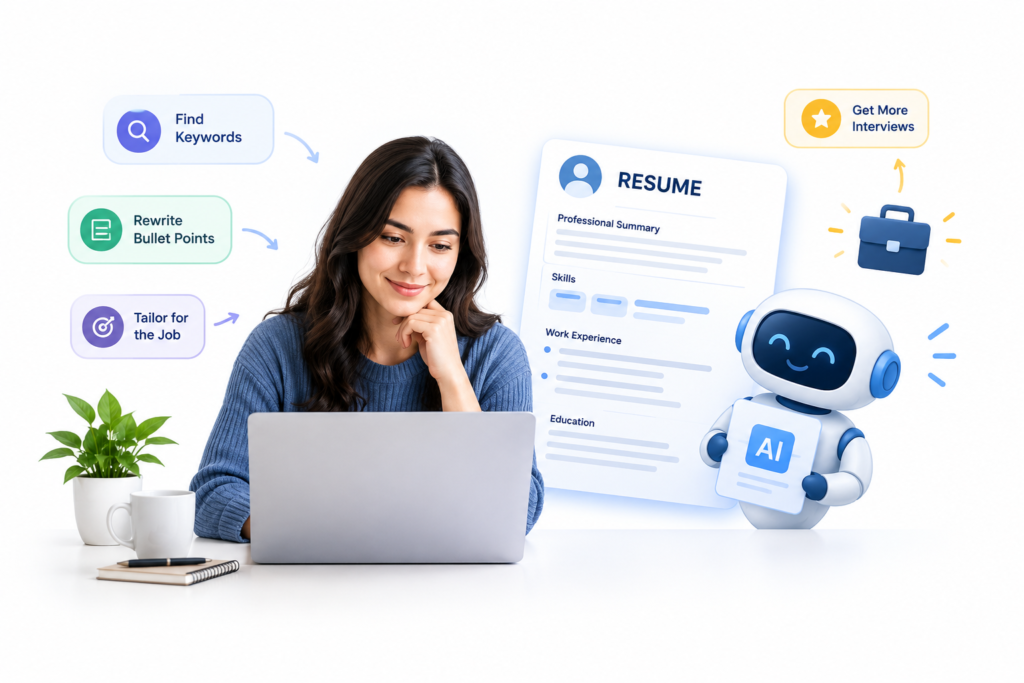
Used properly, AI can help you write clearer bullet points, identify important job keywords, improve your resume structure, and create a version specifically tailored to the position you’re applying for.
Here’s how to actually do it.
Why Your Resume May Not Be Getting Interviews
After looking at a lot of resumes, one pattern appears again and again: most people either make their resume too generic or try to put everything they’ve ever done into one document.
For example, someone might write:
“Worked on social media marketing, Google Ads, SEO, website development, content creation and digital marketing.”
There’s nothing technically wrong with that sentence.
But imagine you’re hiring a Google Ads specialist.
Does that sentence immediately tell you what the candidate can actually do?
Not really.
A more useful version would be:
“Managed Google Ads campaigns, monitored search terms and campaign performance, and optimized targeting based on available campaign data.”
Now the recruiter has a much clearer idea of the person’s experience.
That’s one of the areas where AI can help.
It can take rough information and turn it into clearer, more focused resume content.
But remember: AI can only work with the information you give it.
If you give it vague information, you’ll usually get a polished version of vague information.
What AI Can Actually Do for Your Resume
AI is useful for much more than simply generating a resume template.
You can use it to:
- Rewrite weak resume bullet points
- Analyze a job description
- Identify important keywords
- Match your experience with a vacancy
- Improve your professional summary
- Remove repetitive information
- Turn responsibilities into clearer bullet points
- Create different versions of your resume
- Check grammar and readability
- Find vague or unsupported claims
- Generate interview questions from your resume
However, there is one line you shouldn’t cross.
Don’t ask AI to invent achievements.
For example, if you tell an AI tool:
“I worked in digital marketing. Make this experience impressive.”
It might produce:
“Developed and executed data-driven marketing strategies that significantly increased company revenue.”
That sounds impressive.
But if you didn’t actually increase revenue, don’t put it on your resume.
Instead, give AI the facts and ask it to improve the wording.
That difference matters.
How to Use AI to Write a Resume Step by Step
Step 1: Start With the Job Description
Don’t begin by opening an AI resume generator and choosing a colorful template.
Start with the job you’re actually applying for.
Suppose you’re applying for a Junior Data Analyst position.
The job description might mention:
- Excel
- SQL
- Python
- Data cleaning
- Data visualization
- Reporting
- Power BI
Those terms tell you what the employer is looking for.
Copy the job description into your AI tool and use a prompt like:
“Analyze this job description and extract the 15 most important skills, tools, responsibilities and keywords. Separate must-have requirements from nice-to-have requirements. Do not invent anything.”
Now you have a target.
You’re no longer writing a resume for “any job.”
You’re writing one for a specific position.
Step 2: Create a Raw List of Your Experience
Before asking AI to write your resume, collect your actual information.
Don’t worry about grammar at this stage.
Write down:
Job Title: WordPress Developer
Experience: 2 years
Work included:
- WordPress websites
- Elementor
- Custom HTML/CSS
- Responsive design
- Contact Form 7
- Website updates
- Basic JavaScript
- Client revisions
- Domain and hosting setup
Then add your projects.
For example:
Project: Business Website
What I did:
- Built homepage
- Created contact form
- Made mobile layout
- Added custom CSS
- Connected enquiry form
- Fixed responsive issues
That’s enough information for AI to start working.
Think of AI as an editor.
You provide the ingredients. AI helps organize them.
Step 3: Turn Responsibilities Into Strong Resume Bullets
This is one of the most useful applications of AI.
Consider this bullet:
“Responsible for creating WordPress websites.”
It’s understandable, but it’s generic.
A stronger version could be:
“Built and customized WordPress websites using Elementor, HTML and CSS, focusing on responsive layouts and client-specific requirements.”
The second version gives the recruiter more information without making an unrealistic claim.
Here’s another example.
Before
“Worked on social media marketing.”
After
“Created and managed social media content for business accounts, including content planning, creative coordination and performance monitoring.”
The goal isn’t to make every sentence sound sophisticated.
The goal is to make your actual work easy to understand.
A useful AI prompt
Try:
“Rewrite these resume bullet points for a [JOB TITLE] position. Keep every fact accurate. Do not invent percentages, revenue, clients, tools or achievements. Use strong but natural action verbs and keep each bullet under 25 words.”
That last instruction is useful because AI can otherwise turn one simple responsibility into an entire paragraph.
Step 4: Add Numbers Where You Actually Have Them
Numbers can make experience easier to understand.
For example:
“Built and maintained 12 WordPress landing pages for marketing campaigns.”
is more specific than:
“Built multiple landing pages.”
You can include numbers for things such as:
- Number of websites
- Number of clients
- Number of projects
- Advertising budget
- Leads generated
- Articles published
- Pages created
- Campaigns managed
- Performance improvements
But don’t guess.
If you don’t know the exact number, don’t manufacture one.
It’s perfectly acceptable to write:
“Built and maintained multiple WordPress landing pages for marketing campaigns.”
Honest information is more useful than an impressive-looking statistic you can’t defend in an interview.
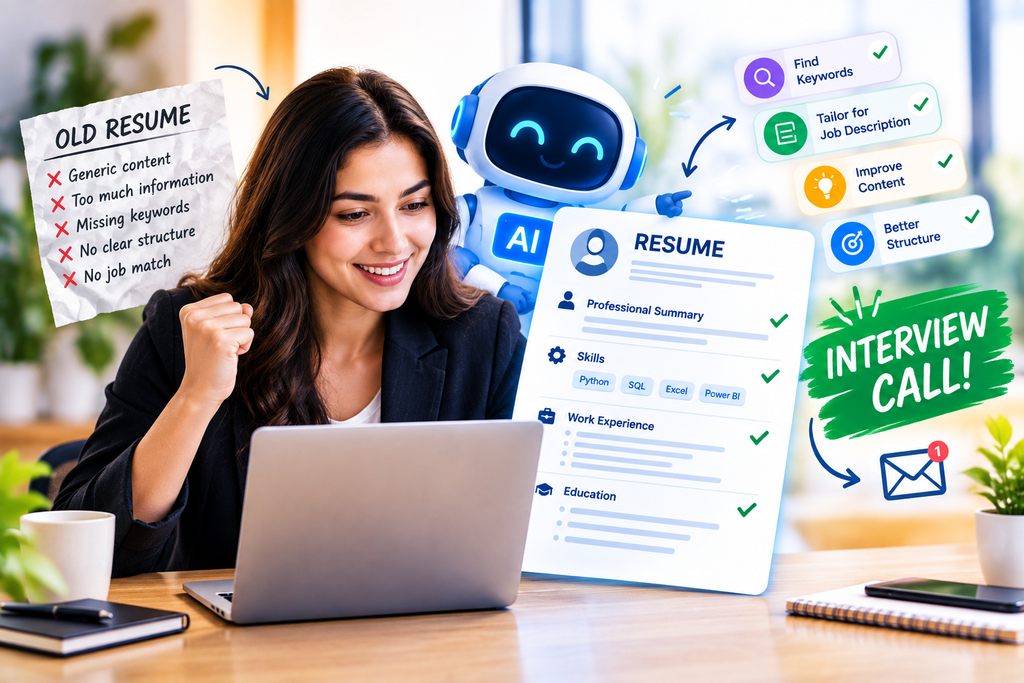
Step 5: Match Your Resume With the Job Description
This is probably one of the most practical ways to use AI for job applications.
Once your resume is ready, provide AI with:
- Your resume
- The job description
Then ask:
“Compare my resume with this job description. Identify requirements already supported by my experience, important requirements that are missing, and keywords that I could naturally include. Do not recommend adding skills I don’t actually have.”
The output can reveal gaps.
For example:
| Job Requirement | Resume Status |
| Excel | Mentioned |
| SQL | Missing |
| Power BI | Missing |
| Data Cleaning | Not clearly explained |
| Reporting | Mentioned |
| Python | Mentioned |
Now you know what needs attention.
But don’t add SQL or Power BI simply because the employer mentioned them.
If you haven’t learned or used them, putting them in your Skills section just to match keywords can create a bigger problem later.
An interviewer may ask:
“How have you used Power BI in your previous role?”
If you don’t have an answer, the keyword wasn’t worth adding.
Step 6: Make Your Resume ATS-Friendly
You’ve probably heard the term ATS while researching resumes.
ATS stands for Applicant Tracking System. Companies may use these systems to organize and filter job applications before recruiters review them.
However, there’s no universal “ATS score” that guarantees an interview.
Different companies use different systems and hiring processes.
Instead of obsessing over an imaginary 100% ATS score, focus on making your resume easy for software and humans to read.
Use clear sections
A typical resume can include:
- Name and contact information
- Professional Summary
- Skills
- Work Experience
- Projects
- Education
- Certifications
Use recognizable headings.
Avoid hiding important information inside complicated graphics or images.
Avoid unnecessary design elements
Try to avoid:
- Huge graphics
- Excessive icons
- Skill bars
- Tiny fonts
- Long paragraphs
- Overly complicated columns
- Decorative elements that contain important information
- Keyword stuffing
A simple resume can often communicate your experience more effectively than an overloaded design.
Step 7: Write a Better Professional Summary
AI often produces extremely generic professional summaries.
You’ve probably seen lines like:
“Highly motivated professional with a proven track record of excellence and a passion for delivering innovative solutions.”
The sentence isn’t necessarily wrong.
It’s just forgettable.
A better summary explains:
Who you are + what you do + what role you’re targeting.
For example:
“WordPress developer with 2 years of experience building and customizing business websites using Elementor, HTML and CSS. Seeking web development opportunities focused on responsive websites and client projects.”
For a fresher, it could look like:
“Recent B.Sc. graduate developing practical skills in Python, SQL and data analysis through coursework and projects. Seeking an entry-level Data Analyst role to apply these skills to real-world problems.”
You don’t need complicated vocabulary.
Clarity wins.
Step 8: Create Different Resume Versions
One resume for every job isn’t always the best approach.
Imagine someone has experience with:
- WordPress
- Digital Marketing
- Google Ads
- SEO
- Data Analytics
A resume sent to a WordPress Developer position shouldn’t emphasize exactly the same things as one sent to a Data Analyst position.
The person’s history hasn’t changed.
The emphasis has.
For a WordPress Developer role
Focus on:
- WordPress
- Elementor
- HTML/CSS
- Responsive design
- Landing pages
- Forms
- Website maintenance
For a Digital Marketing role
Focus on:
- Google Ads
- Meta Ads
- SEO
- Lead generation
- Analytics
- Social media
- Campaign management
For a Data Analyst role
Focus on:
- Python
- SQL
- Excel
- Data analysis
- Visualization
- Statistics
- Relevant projects
You don’t necessarily need three completely different resumes.
Keep one master resume and create targeted versions from it.
AI can make this process much faster.
A Real Example of AI Resume Writing
Imagine someone worked at a small digital marketing company.
Their original description says:
“I worked on websites, social media and digital marketing. I also did some video editing and Google Ads.”
The experience is useful.
It’s simply not presented clearly.
You could ask AI:
“Turn this experience into four concise resume bullets for a Digital Marketing Executive position. Keep all claims factual and don’t invent performance numbers.”
A cleaned-up version might be:
- Supported digital marketing activities across websites, social media and paid advertising projects.
- Created and updated website pages based on campaign and business requirements.
- Assisted with Google Ads campaign management and basic performance monitoring.
- Produced and edited video content for digital marketing and social media use.
The important part is that AI didn’t create a fake achievement.
It simply made the existing experience easier to understand.
The AI Resume Prompt You Can Actually Use
Instead of typing:
“Write my resume.”
Use a multi-step process.
Prompt 1: Organize My Experience
“I will provide my education, work experience, projects and skills. Organize the information into a professional resume structure. Do not add anything I haven’t provided.”
Prompt 2: Analyze the Job
“Analyze this job description and extract the most important technical skills, soft skills, responsibilities and keywords.”
Prompt 3: Compare
“Compare my resume with this job description. Show which requirements are supported by my existing experience and which are missing. Do not suggest false claims.”
Prompt 4: Rewrite
“Rewrite my resume for this specific position. Keep the language natural and concise. Prioritize relevant experience. Use measurable achievements only when I provide real numbers.”
Prompt 5: Critique
“Act as a recruiter reviewing this resume for the position. Identify unclear statements, generic phrases, unnecessary information, missing evidence and potential interview questions. Don’t rewrite it yet.”
That final step is particularly useful.
Sometimes a sentence looks impressive until someone asks:
“What exactly did you do?”
Your resume should be able to survive that question.
Don’t Make Your Resume Sound Like AI
There’s another problem with AI-generated resumes.
They can become too polished.
Every bullet suddenly contains words like:
- Spearheaded
- Orchestrated
- Leveraged
- Optimized
- Facilitated
- Implemented
These words aren’t automatically bad.
But if every bullet sounds like a corporate press release, the resume stops sounding natural.
Compare:
“Orchestrated comprehensive digital transformation initiatives.”
with:
“Built and updated WordPress websites for small business clients.”
The second sentence is much easier to understand.
And during an interview, you’ll probably be able to explain it naturally.
Should You Mention AI on Your Resume?
Not simply because you used AI to create the resume.
You don’t need to write:
“AI-assisted professional.”
Your resume should focus on your actual skills and experience.
If you genuinely use AI tools in your work, then mention them where relevant.
For example, a content professional might legitimately list:
- ChatGPT
- AI-assisted research
- Content optimization
- Prompt writing
But only if those are skills you genuinely possess.
The same rule applies to every technology.
How Long Should an AI-Generated Resume Be?
For many early-career candidates, one page is usually enough if the relevant information fits comfortably.
That doesn’t mean a two-page resume is automatically bad.
Candidates with substantial experience, multiple relevant positions, publications, certifications or significant projects may need additional space.
The better question is:
“Does this section help prove that I’m relevant to this job?”
If not, remove it.
Don’t let AI create a second page simply because it can.
What If You Have Little or No Experience?
This is where some candidates make a serious mistake.
They ask AI to make their resume “look experienced.”
Don’t do that.
Instead, build evidence from:
- Projects
- Internships
- Freelance work
- College projects
- Certifications
- Open-source contributions
- Relevant coursework
- Practical assignments
For example, a beginner applying for a Data Analyst role might not have formal analytics experience.
But a practical project can still demonstrate relevant skills.
Sales Data Analysis Project
- Cleaned a sample sales dataset using Python and Pandas.
- Analyzed monthly sales trends.
- Created visualizations to identify top-performing categories.
- Presented findings through a simple report or dashboard.
That’s honest.
And it gives the interviewer something concrete to discuss.
Use AI to Prepare for the Interview
Your resume isn’t just for getting through the application stage.
It also becomes the foundation for your interview.
After finishing the resume, ask AI:
“Generate 15 interview questions based only on the experience and skills mentioned in this resume. Include five questions that could expose weak or exaggerated claims.”
Then answer the questions yourself.
For example, if your resume says:
“Managed Google Ads campaigns.”
Be ready to explain:
- What campaign types did you use?
- What was your role?
- How did you select keywords?
- Which metrics did you monitor?
- What changes did you make?
- How did you evaluate performance?
If you can’t explain a bullet, either learn the subject properly or rewrite the bullet.
Your resume is essentially a list of questions an interviewer can ask you.
Common AI Resume Mistakes
1. Copying the First AI Output
AI’s first draft shouldn’t automatically become your final resume.
Read every line.
2. Adding Fake Achievements
Never invent:
- Revenue
- Conversion rates
- Client numbers
- Team sizes
- Campaign results
- Job titles
3. Keyword Stuffing
Repeating “data analysis” ten times won’t make your resume stronger.
Use relevant keywords naturally.
4. Listing Every Skill You’ve Ever Touched
If you opened Photoshop twice during college, that doesn’t automatically make you a Photoshop professional.
5. Making Every Job Sound Senior
Your resume should reflect your actual level of responsibility.
6. Ignoring the Job Description
A strong general resume can still be a poor match for a particular vacancy.
7. Spending More Time Designing Than Improving Content
A beautiful resume with weak evidence is still a weak resume.
How Much Time Does AI Resume Writing Take?
If your information is already organized, you can create a solid first draft in around 30–60 minutes using AI.
A practical workflow:
10 minutes: Collect your experience, projects and skills.
10 minutes: Analyze the job description.
15 minutes: Rewrite and tailor your resume.
10 minutes: Check keywords and formatting.
10 minutes: Manually review every claim.
Don’t skip the final review.
That’s where you’ll catch the sentence AI wrote that sounds impressive but isn’t actually true.
Can AI Guarantee Interviews?
No.
Be skeptical of any tool or service promising guaranteed interviews.
A resume is only one part of the hiring process.
Interview calls can depend on:
- Your qualifications
- Job requirements
- Number of applicants
- Location
- Experience level
- Company hiring needs
- Timing
- Salary expectations
- Recruiter preferences
- Interview performance
AI can help improve clarity, relevance and presentation.
It cannot control the hiring decision.
You don’t need a magical prompt.
You need a resume based on real evidence and relevant experience.
A 30-Minute AI Resume Workflow
If you’re applying for jobs right now, don’t spend the entire evening researching resume tools.
Do this instead.
First 5 Minutes
Find one job you genuinely want.
Copy the complete job description.
Next 5 Minutes
Write down:
- Work experience
- Education
- Projects
- Skills
- Certifications
- Tools you’ve actually used
Next 10 Minutes
Use AI to:
- Extract important job keywords.
- Compare them with your experience.
- Rewrite relevant bullet points.
- Remove generic information.
Final 10 Minutes
Read the resume yourself.
Ask:
- Is every claim true?
- Can I explain every skill?
- Does the first half show why I’m relevant?
- Is anything unnecessary?
- Does the resume match this particular job?
Then save the tailored version with a professional filename such as:
Aman_Srivastava_Data_Analyst_Resume.pdf
instead of:
resume_final_final_new_latest2.pdf
It sounds like a small thing, but it makes your application workflow much cleaner.
The Right Way to Think About AI Resume Writing
Don’t think of AI as someone writing your resume for you.
Think of it as a combination of:
Editor + Recruiter + Keyword Checker + Writing Assistant
You provide the facts.
AI helps organize them.
You verify everything.
That’s the balance.
If you simply type “make my resume impressive,” you’ll probably get a resume full of polished sentences.
If you provide your actual experience, the real job description, measurable results where available, and clear instructions not to invent information, the result can be much more useful.
An AI resume builder should improve the way you present your experience—not manufacture experience you don’t have.
Your Next Step
Pick one job vacancy today.
Copy its complete job description into your AI tool. Then paste your current resume underneath it and use this instruction:
“Compare my resume with this job description. Identify the most relevant experience I already have, missing keywords that are genuinely supported by my background, weak bullet points, and information I should remove. Do not invent any experience, numbers or skills. After the analysis, create a one-page tailored resume using only factual information I provided.”
Then read the generated resume line by line.
If you can’t confidently explain a bullet during an interview, change it.
That’s what makes AI useful for resume writing: not replacing your experience, but helping you present the experience you actually have in a clearer and more relevant way.
Stay Connected for More AI & Wearable Tech Updates!
Don’t miss the latest updates on AI wearables, Samsung Health, Google Health Coach, smartwatches, health tracking, and preventive healthcare technology. Follow our social channels to stay updated with the latest developments in AI-powered health technology:
- 📺 YouTube: Watch detailed explainers, AI wearable comparisons, product updates, and the latest health-tech trends — Subscribe to Our YouTube Channel
- 📸 Instagram: Follow us for quick tech updates, AI wearable insights, health-tracking features, and informative visual content — Follow Us on Instagram
- 📘 Facebook: Join the discussion and share your thoughts on Samsung, Google, AI-powered wearables, and the future of personalized healthcare — Follow Our Facebook Page
- 🌐 Website: Explore more articles covering AI, smart wearables, health technology, and the future of preventive care — Visit Our Website